How to share a listing?
2 min readLast updated: 2026-03-25
Raghdan platform allows you to easily share your property listing via social media and direct links, helping you reach the largest number of interested parties.
Where is the share button?

The share button appears at the top of the listing page next to the property photos, shaped like a send arrow icon.
Sharing options
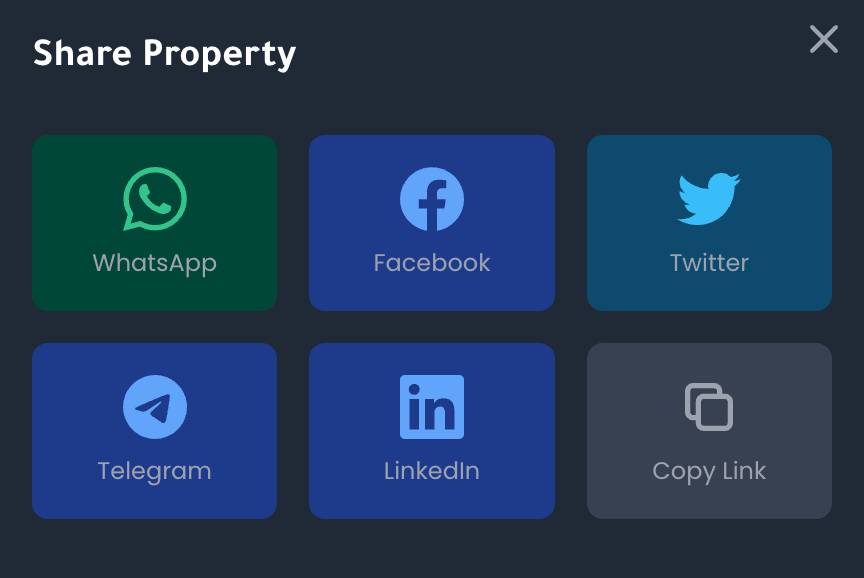
When you click the share button, the following window appears:
- WhatsApp — Share directly to any WhatsApp conversation
- Facebook — Post the listing to your Facebook account or page
- Twitter — A tweet containing the listing link
- Telegram — Send the listing via Telegram
- LinkedIn — Share the listing on your professional network
- Copy Link — Copy the listing link to paste anywhere
Sharing steps
- 1Open the listing — Click on the listing you want to share
- 2Click the share icon — Press the icon at the top of the page
- 3Choose the channel — Select the appropriate app or option
- 4The app opens ready to send — The selected app will open with the listing link
Important Notes
Sharing increases the chances of reaching interested parties. The more you share, the higher the likelihood of closing the deal.
Make sure the listing is published and active before sharing. Hidden or unpublished listings won't appear to others when they open the link.