How to Upload a Property Video?
4 min readLast updated: 2026-03-23
Before You Start
- You must have an active account with Nafath verification
- Prepare your property video (maximum 3 minutes)
- Make sure the video size is less than 100MB
- Supported formats: MP4, MOV
- You can upload one video per listing
Steps
- 1Press the "Services" button — from the top menu bar

Services Button - 2Select "Add Listing" — a dropdown menu will appear, press "Add Listing"

Add Listing Button - 3Enter the advertising license number — enter the number and wait for verification. The license will be matched from REGA with your national ID and Fal license. After successful verification, you'll move to the media upload stage.
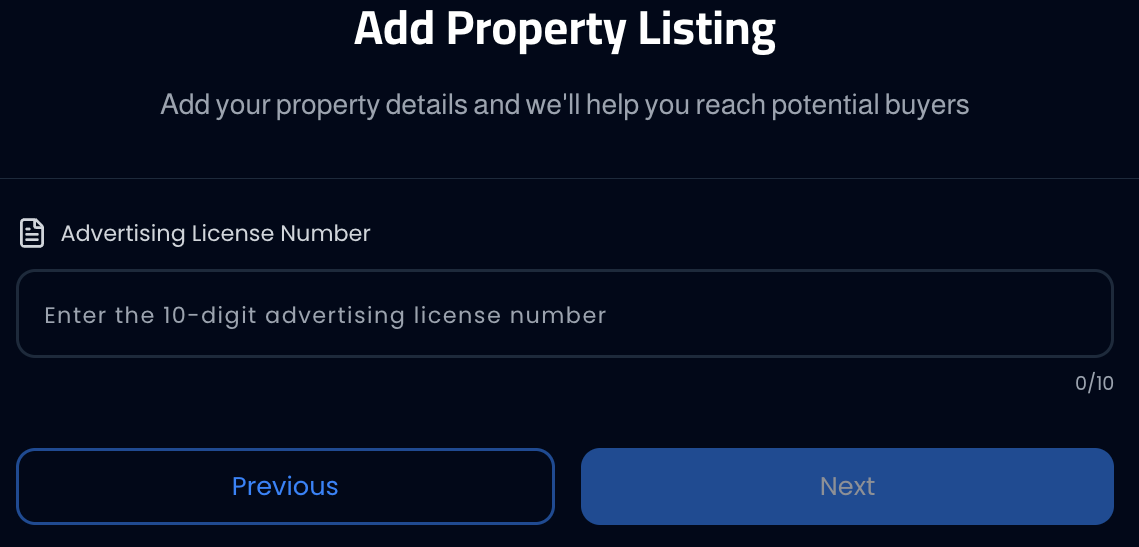
License Number Entry - 4Press "Add Video" — from the "Property Photos" page you'll find a button bar with three options: Add Photos, Add Video, Add Virtual Tour. Press "Add Video" and select the video from your device.

Button Bar - 5Edit or delete the video — after uploading, when you hover (or tap on mobile) over the video, two icons will appear: delete (red trash can) and edit (pencil).
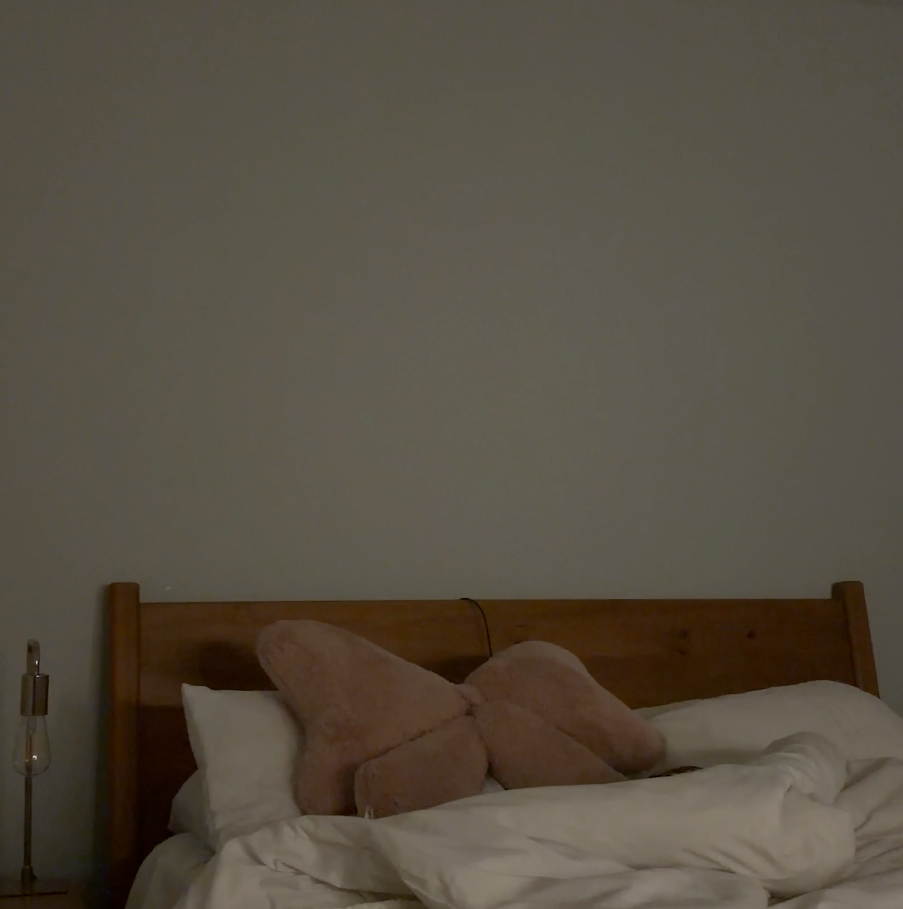
Uploaded Video 
Delete and Edit Icons - 6Built-in video editor — when you press the edit icon, a professional video editing tool built into the platform opens. The editor provides:
- Trim: Select start and end points to cut unwanted segments
- Crop: Crop the video frame
- Finetune: Adjust brightness and contrast
- Filter: Apply ready-made filters to the video
- Annotate: Add arrows, text, and shapes to the video
- Resize: Change video dimensions
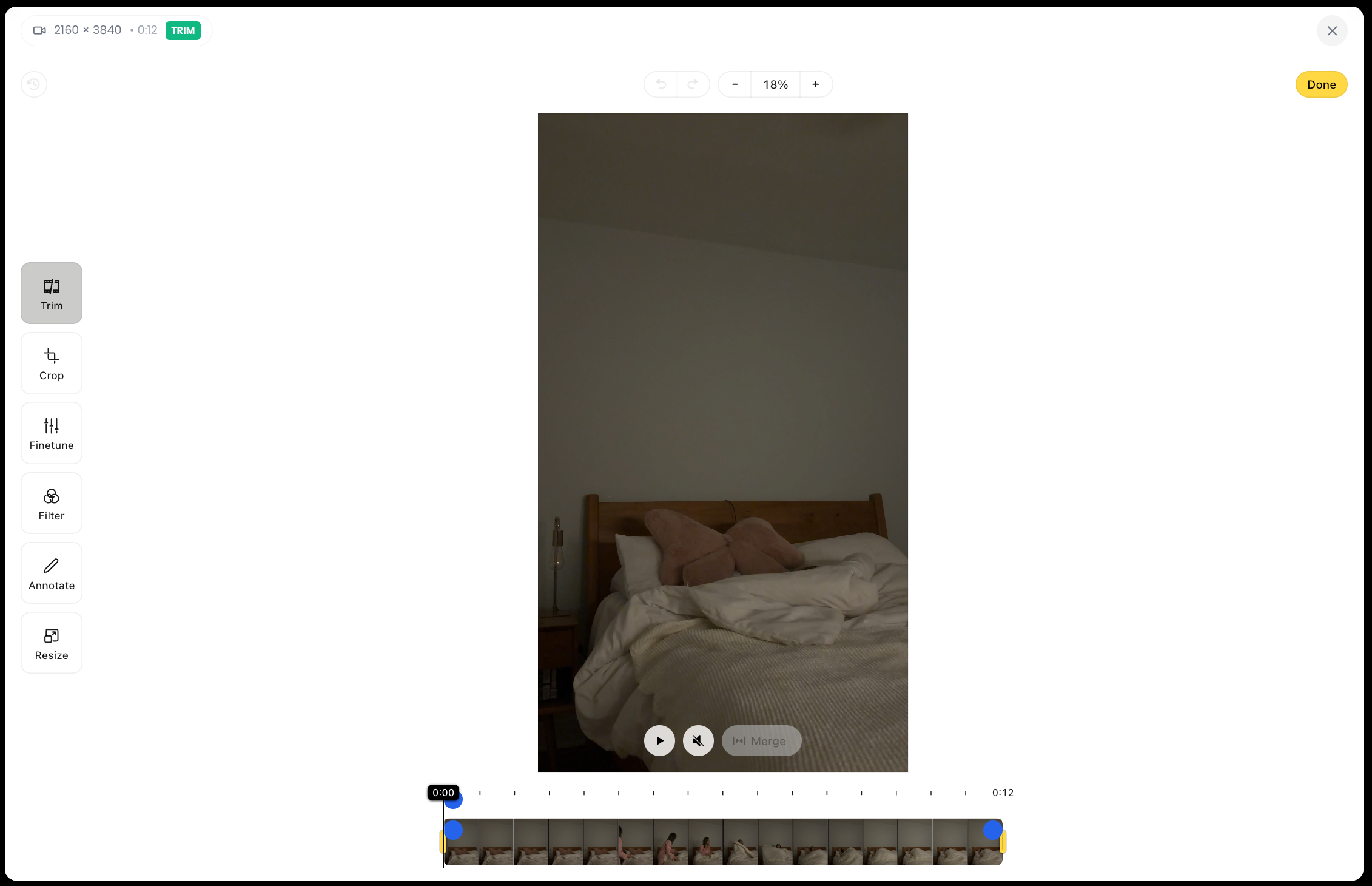
After finishing your edits, press "Done" to save changes.
Important Notes
- You can upload only one video per listing.
- Horizontal video with a 16:9 ratio looks best.
- Listings with video get 40% more engagement.
- Avoid long videos — focus on highlighting the property's features.
Common Issues
- Video won't upload: Check the size (under 100MB) and format (MP4, MOV).
- Video appears in low quality: Upload the original video without compression.
- Upload takes too long: The video size is large — try trimming it using the built-in editor.